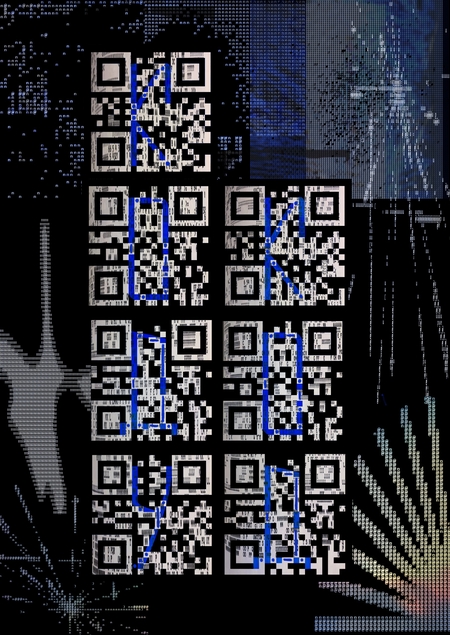
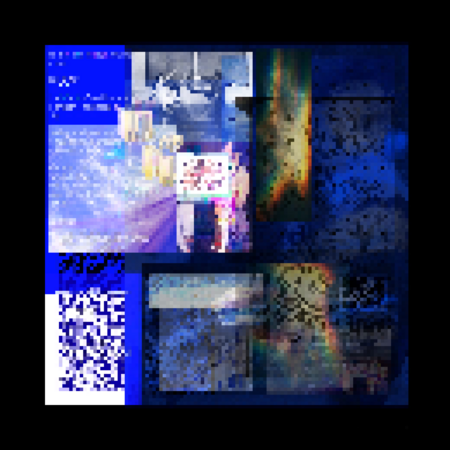
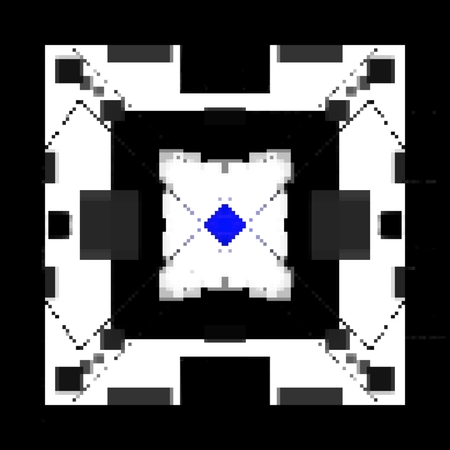
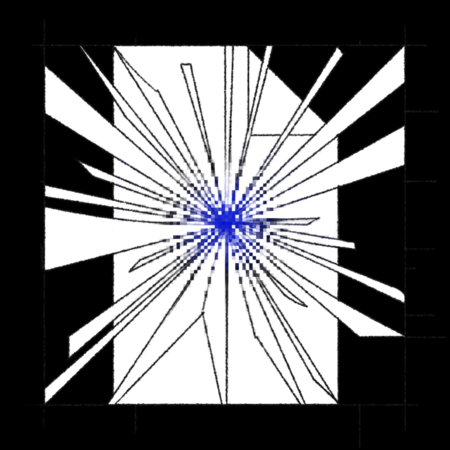
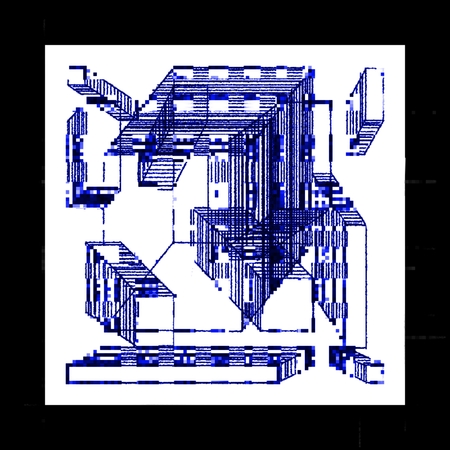
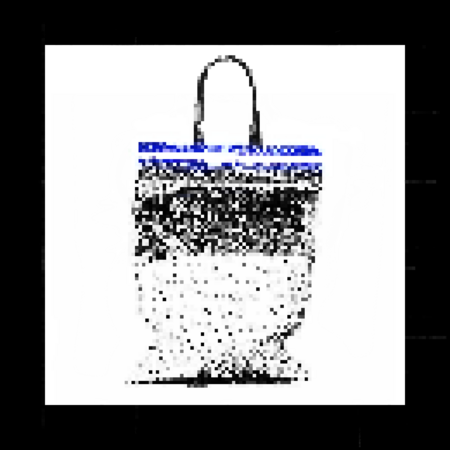
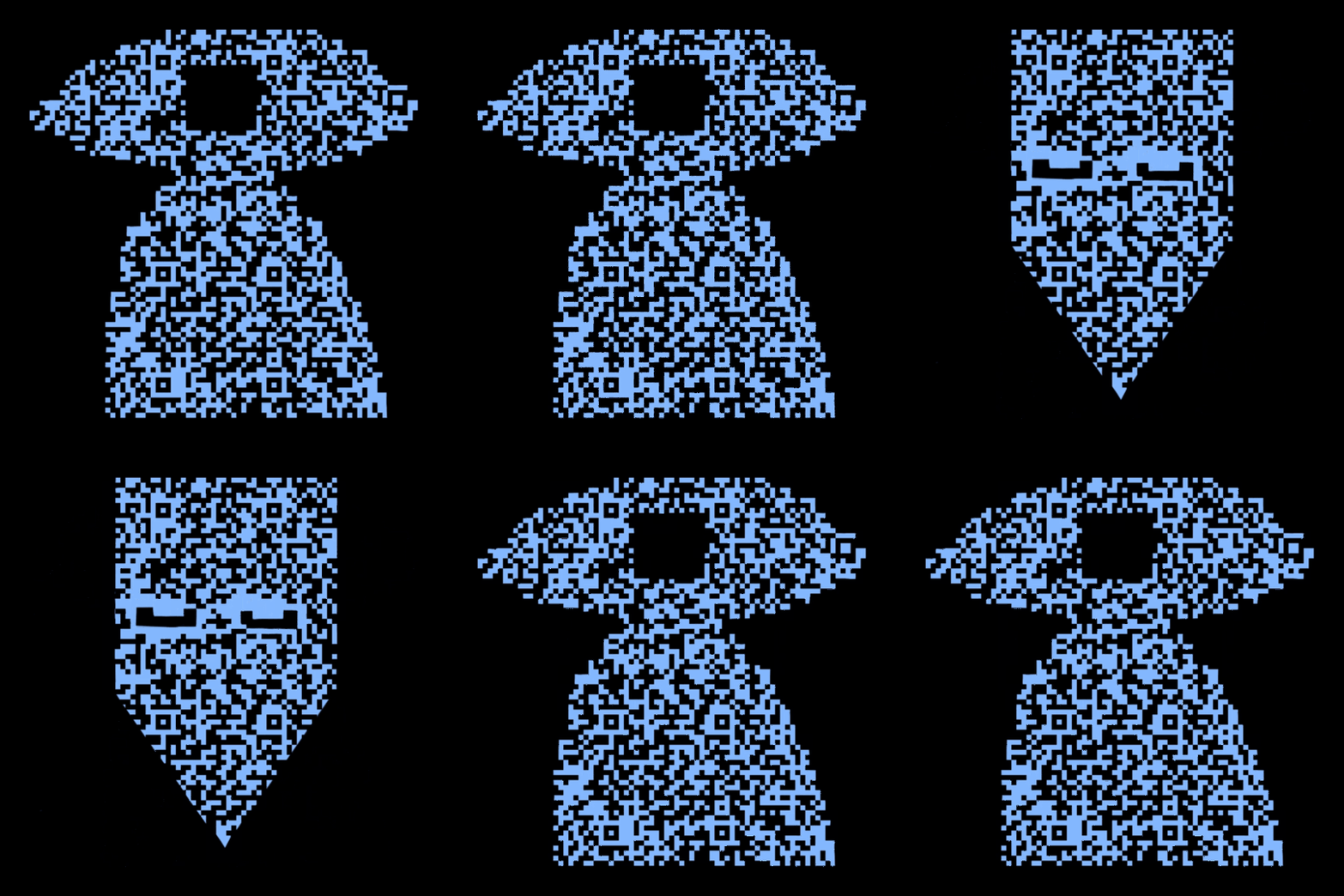
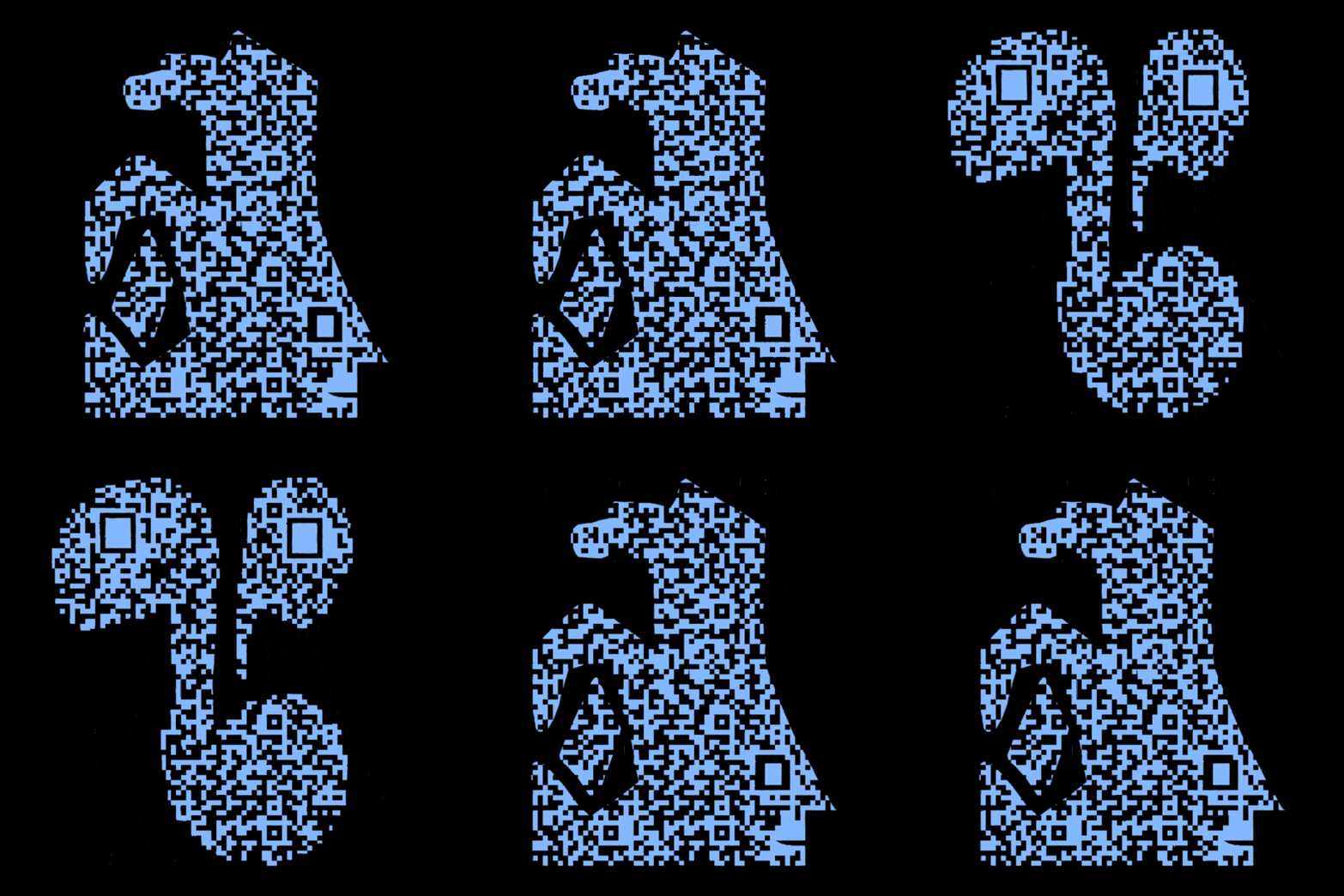
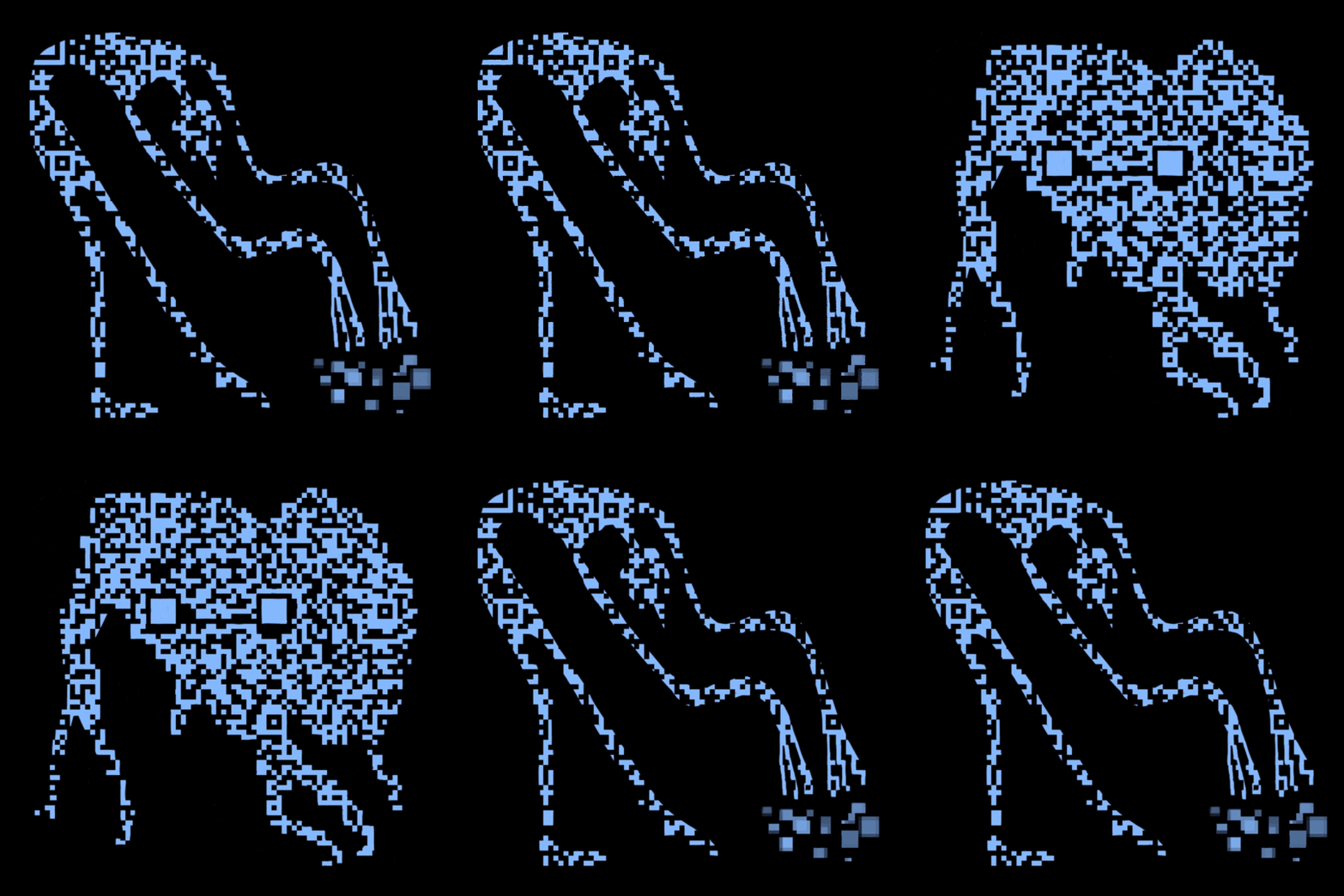
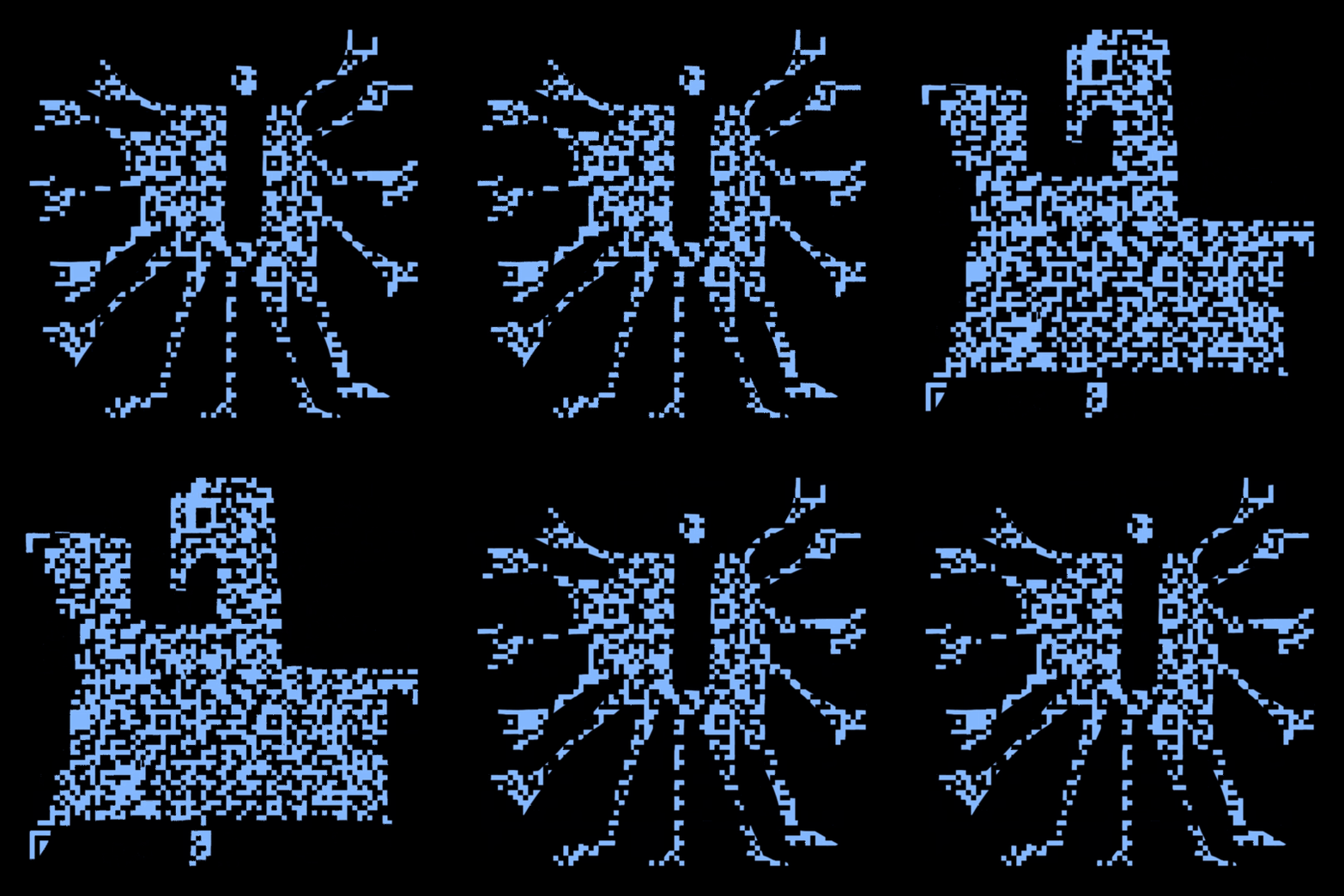
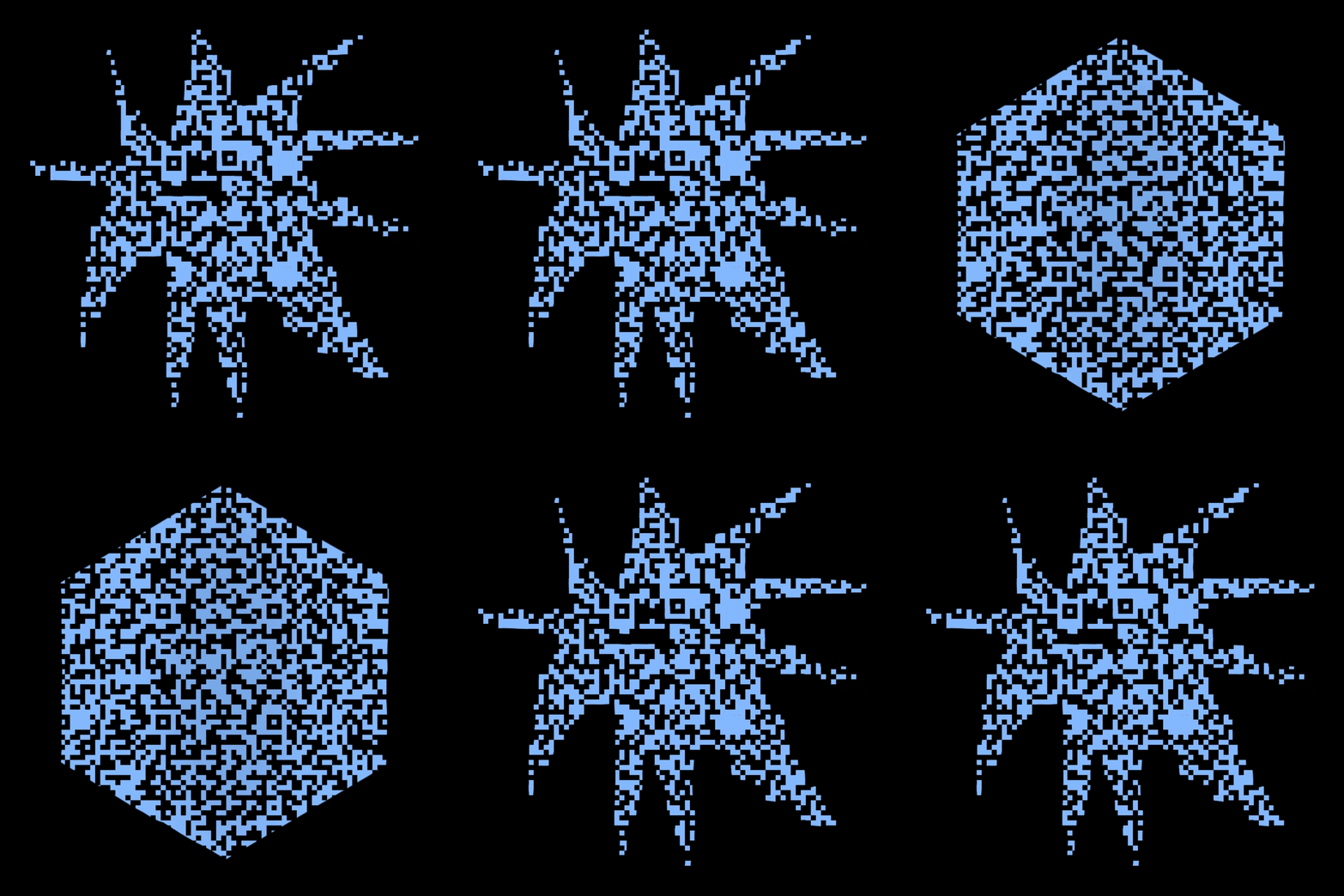
Qr-codea — это цифровое пространство, где все грани стираются. Здесь QR-коды перестают быть скучными черно-белыми квадратиками. Каждый код — это не просто набор пикселей, а цифровой организм, который способен думать, анализировать, чувствовать и ставить себе цели. Коды взаимодействуют друг с другом, создавая сложную сеть взаимоотношений, как в настоящем обществе.
Изучая проект, каждый зритель получает способность понять послания, оставленные кодами. Это симбиоз функциональности и креатива, где технологии становятся частью художественного высказывания и помогают глубже понять то, что было неясно.
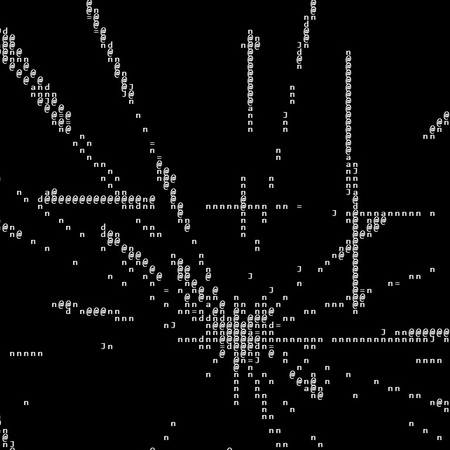
Маргарита Титова создала цифровое пространство Qr-codea, в котором QR-коды становятся живыми организмами, способными взаимодействовать и создавать сложные сети отношений. Проект включает в себя посты, посвящённые темам, таким как флаги стран, индексы профессий, иероглифы и иерархия.
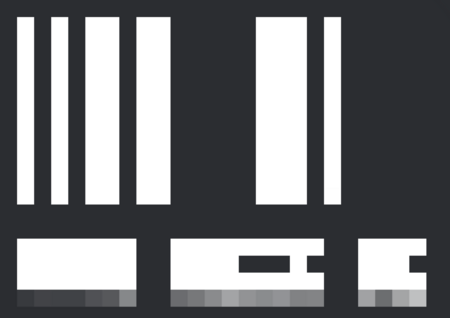
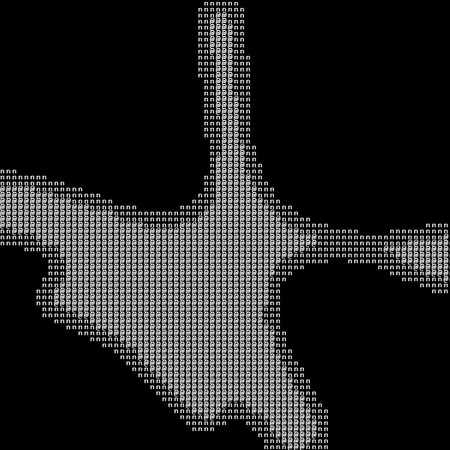
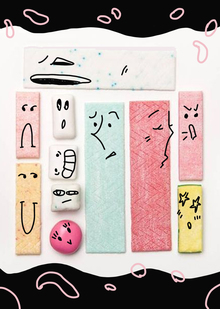
Яна Калькаева создала проект «Народ жвачек», в котором изображены флаги, символы и арт-объекты, основанные на образе жвачки. Особенностью проекта является использование азбуки Брайля для передачи метафоры визуального и тактильного восприятия слов «спасибо» и «брань».
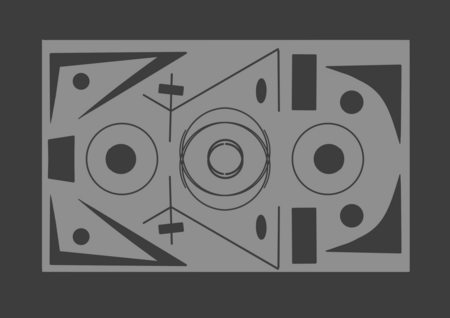
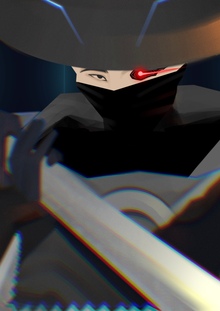
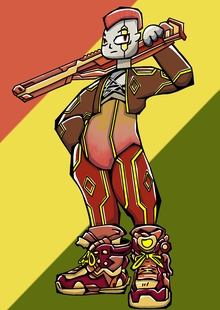
Анна Полякова создала концепт-арты локаций и персонажей для видеоигры в жанре action-adventure от третьего лица, сочетающей древний мир и высокие технологии. Проект включает детализированные описания персонажей с модифицированными телами и технологическими особенностями, а также историю лаборатории, обнаруженной буддистами в горах.
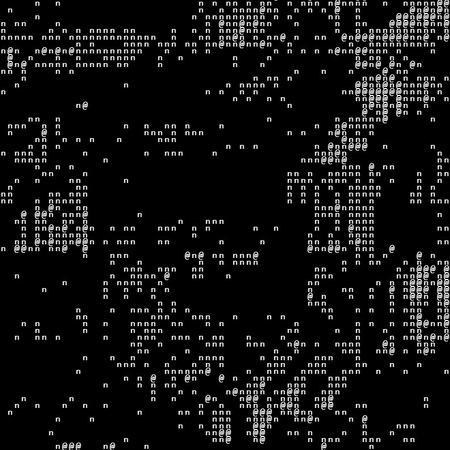
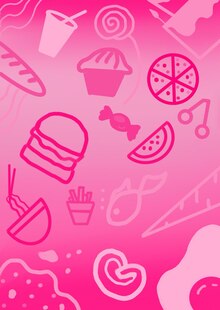
Римма Алешина создала проект «Народ Розовой Еды», представляющий фантазийную страну с розовым съедобным народом. Проект включает серию текстов, описывающих особенности этой виртуальной страны и её жителей.
Елизавета Карелина создала концепцию игры «Гриберпанк», в которой игроки управляют грибами с уникальными способностями в мире, построенном на фантастической эволюции грибного царства. Проект включает персонажей, вдохновлённых реальными грибами, таких как «Ангел смерти» с косой и нимбом, и «Ледяные волосы», создающие ледяные кристаллы вокруг себя.
start.hsedesign
The HSE Art and Design School spans 4 campuses, offering 9 bachelor's programs and approximately 40 specialized tracks. To apply, you must not only submit your documents on time but also upload your creative project—if required by your chosen program.
applicants’ projects
faculty of pre-university training
lyceum
online school
children's school
We use cookies to improve the operation of the HSE website and to enhance its usability. More detailed information on the use of cookies can be fou...
Show more
Press space bar to start a drag.
When dragging you can use the arrow keys to move the item around and escape to cancel.
Some screen readers may require you to be in focus mode or to use your pass through key
Press space bar to start a drag.
When dragging you can use the arrow keys to move the item around and escape to cancel.
Some screen readers may require you to be in focus mode or to use your pass through key
Press space bar to start a drag.
When dragging you can use the arrow keys to move the item around and escape to cancel.
Some screen readers may require you to be in focus mode or to use your pass through key
Press space bar to start a drag.
When dragging you can use the arrow keys to move the item around and escape to cancel.
Some screen readers may require you to be in focus mode or to use your pass through key
Press space bar to start a drag.
When dragging you can use the arrow keys to move the item around and escape to cancel.
Some screen readers may require you to be in focus mode or to use your pass through key
Press space bar to start a drag.
When dragging you can use the arrow keys to move the item around and escape to cancel.
Some screen readers may require you to be in focus mode or to use your pass through key
Press space bar to start a drag.
When dragging you can use the arrow keys to move the item around and escape to cancel.
Some screen readers may require you to be in focus mode or to use your pass through key
Press space bar to start a drag.
When dragging you can use the arrow keys to move the item around and escape to cancel.
Some screen readers may require you to be in focus mode or to use your pass through key
Press space bar to start a drag.
When dragging you can use the arrow keys to move the item around and escape to cancel.
Some screen readers may require you to be in focus mode or to use your pass through key
Press space bar to start a drag.
When dragging you can use the arrow keys to move the item around and escape to cancel.
Some screen readers may require you to be in focus mode or to use your pass through key
Press space bar to start a drag.
When dragging you can use the arrow keys to move the item around and escape to cancel.
Some screen readers may require you to be in focus mode or to use your pass through key